Introduction
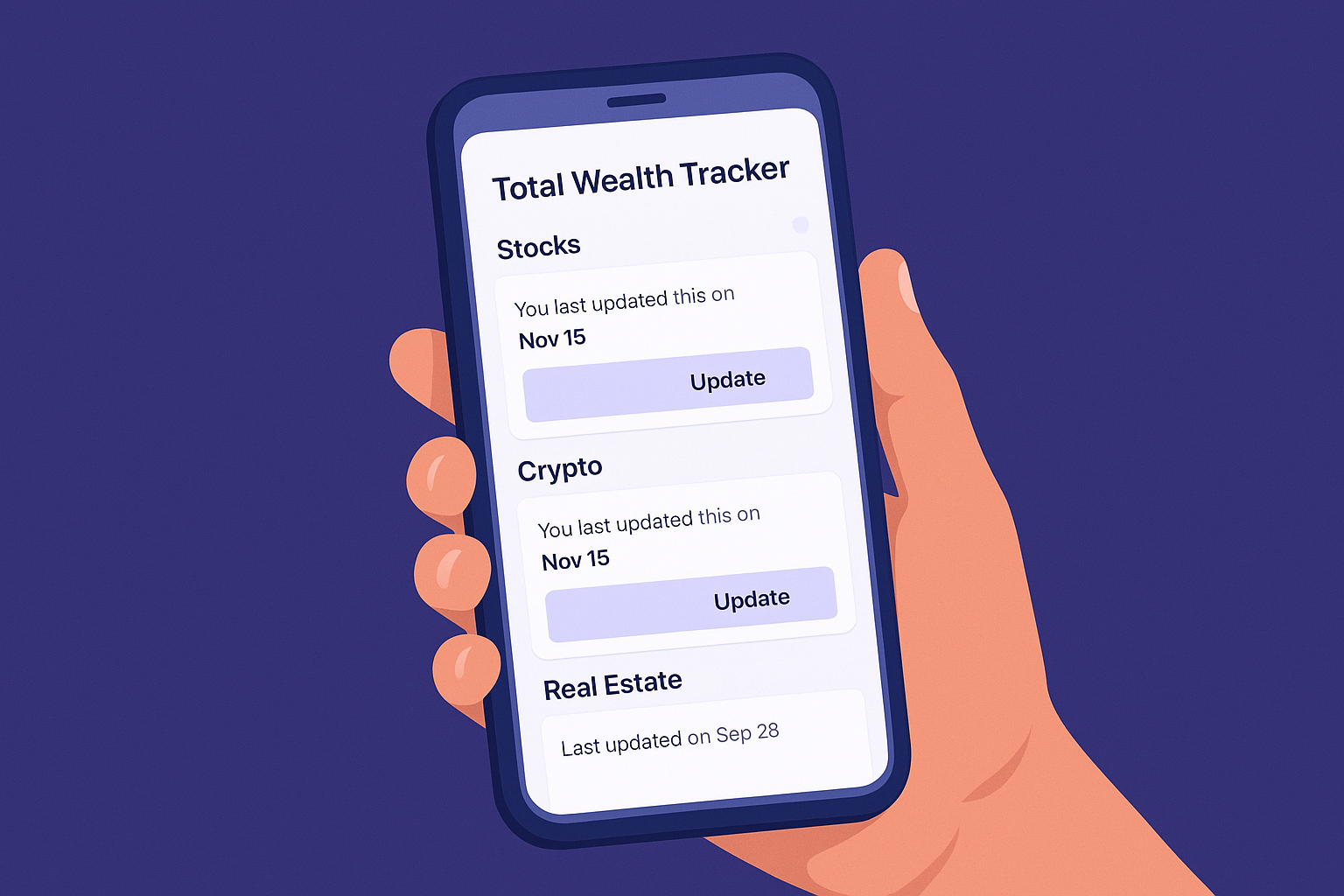
Automatic financial feeds can be convenient, but they also create a more complex product model. Total Wealth Tracker takes the opposite approach: account values are entered manually at platform level.
What you enter
Each entry contains a name, type, invested value, current value, currency and date. One entry might represent an entire Interactive Brokers account, a P2P platform, a fund or a crypto wallet.
Why this simplifies tracking
- No trade import: You do not need to reproduce every transaction.
- No brokerage API dependency: Platforms can be tracked even without integrations.
- One combined view: Account totals roll into total wealth, allocation and performance views.
- Flexible review frequency: Update values daily, weekly, monthly or whenever you review your accounts.
Cloud sync is different from automatic data entry
When cloud mode is active, the app can synchronize the portfolio data you have entered across devices and a shared workspace. This should not be confused with automatically importing balances, holdings or market prices from brokers.
Frequently Asked Questions
Can I switch to automated broker data entry?
No. The current product model uses manual platform-level updates.
Will my manual entries sync across devices?
They can when cloud mode is enabled and you are signed in to the relevant workspace.
Do I need to track every stock?
No. The intended model is one line per broker, account or asset bucket.
Conclusion
For investors who mainly need a clear combined view, manual platform tracking can remove a lot of unnecessary detail. See the multi-broker portfolio tracker for an example.
