Introduction
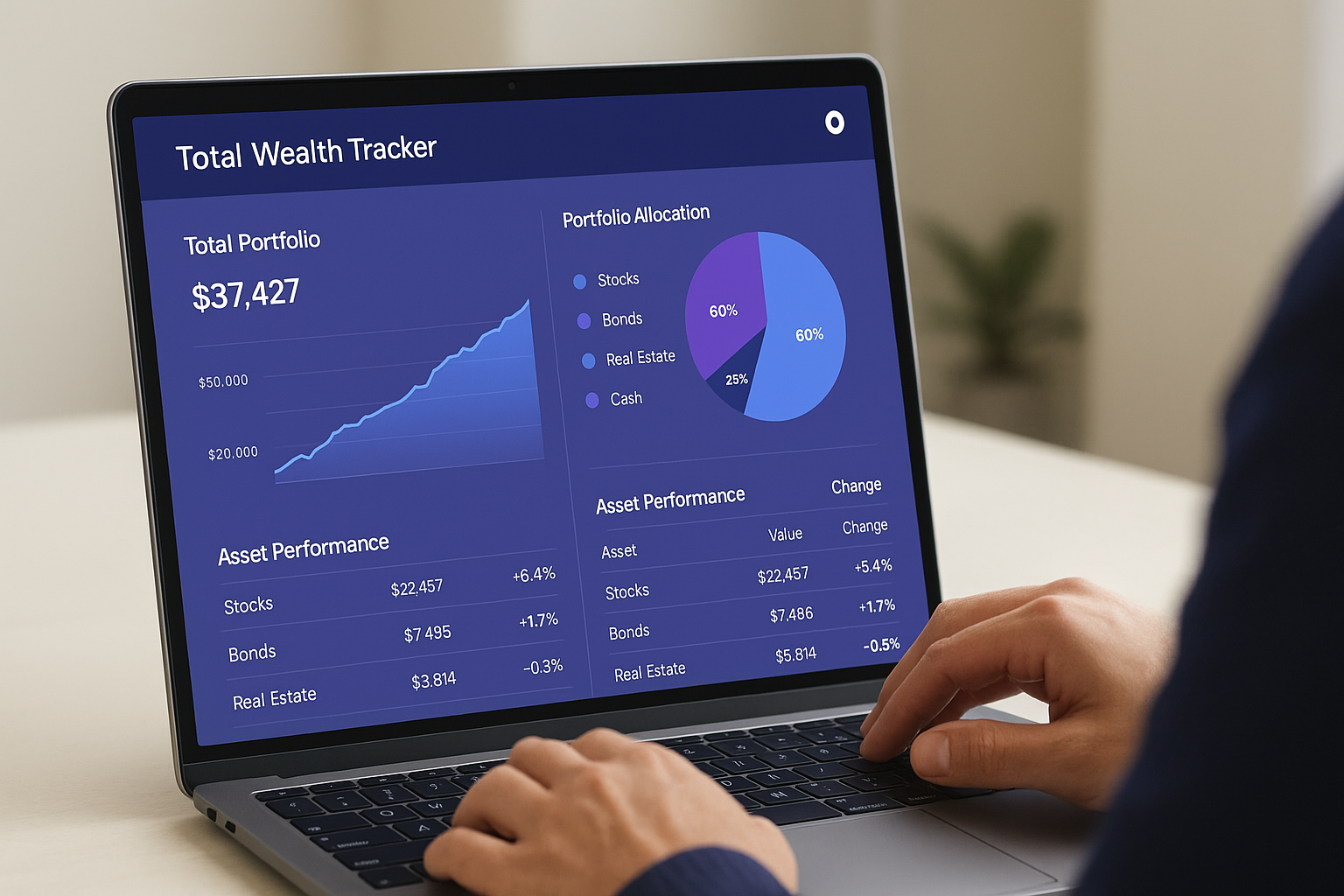
Portfolio review starts with understanding what you already own. Total Wealth Tracker helps organize manually tracked account totals so you can see allocation, performance and rule-based portfolio structure signals in one place.
Start with allocation
Review how much of your total wealth sits in different asset types. A clear allocation view can make concentration easier to notice without requiring stock-by-stock analysis.
Review account-level performance
Each platform entry can compare invested value with current value. The app also separates realized and unrealized gain information where those values have been recorded.
Use Portfolio Health as an informational check
Portfolio Health uses local rules to evaluate factors such as diversification, concentration, cash, number of positions and return-style metrics. It can highlight areas worth reviewing, but it does not tell you what to buy or sell and is not financial advice.
Keep the data current
Because account values are manual, the usefulness of the overview depends on how recently you have updated the platforms you track.
What the app does not provide
Total Wealth Tracker does not generate customized investment reports, predict returns, recommend trades or optimize a portfolio automatically.
Frequently Asked Questions
Can I generate a customized report?
No. The app currently provides on-screen overview and analytics rather than report generation.
Does Portfolio Health provide investment advice?
No. It is a rule-based informational feature, not personalized financial advice.
Can I see concentration and diversification?
Yes. These are among the portfolio structure signals shown by Portfolio Health and allocation views.
Conclusion
A useful review process is about clarity rather than automatic recommendations. See the portfolio tracker page to explore the broader workflow.
