Introduction
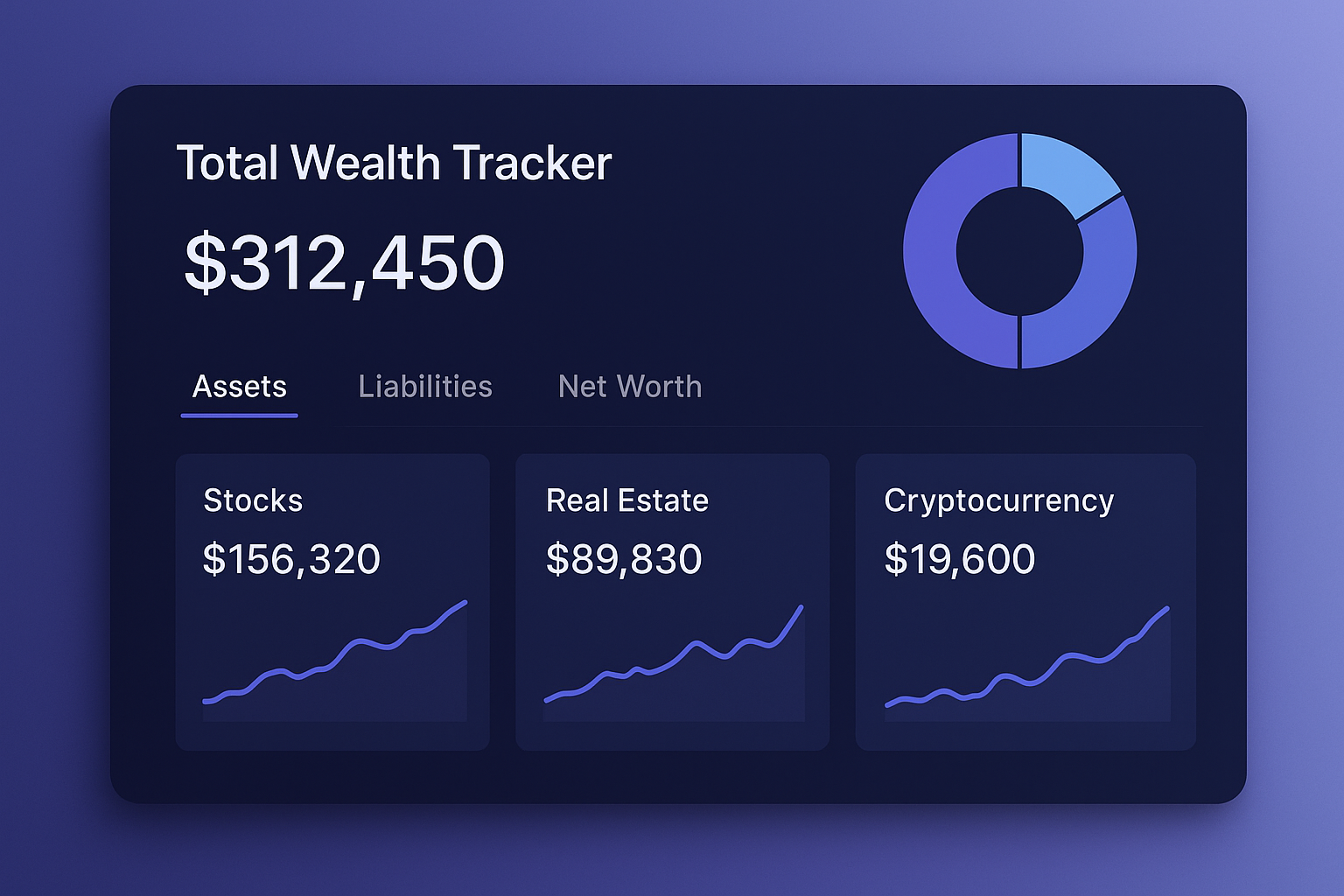
A useful investment overview should answer a few basic questions quickly: How much is the portfolio worth? Where is it allocated? How has it changed? Which accounts are contributing most to gains or losses?
Why too much detail can get in the way
When the goal is total-wealth tracking, reproducing every security and transaction can create extra maintenance without improving the high-level picture.
How Total Wealth Tracker keeps the overview simple
- One line per platform: Track a broker, account or asset bucket as a whole.
- Total wealth: Combine the current values of all tracked entries.
- History chart: Review portfolio snapshots across time periods.
- Allocation: See how wealth is distributed across asset types.
- Portfolio Health: Review rule-based structure signals such as diversification and concentration.
What is fixed rather than customizable
The app does not currently provide a widget-based customizable dashboard. The Overview, Portfolio, Discover and Analytics areas use a defined layout designed to keep the main information consistent.
Frequently Asked Questions
Can I track many asset types?
Yes. The app includes several built-in asset types and supports custom types.
Can I rearrange dashboard widgets?
No. The main dashboard layout is not currently customizable by selecting or rearranging widgets.
Do I need individual stock data?
No. Platform-level tracking is designed around account totals.
Conclusion
If a simplified overview is more important than live trading data, the platform-level model may be a good fit. Learn more at Net Worth Tracker.
